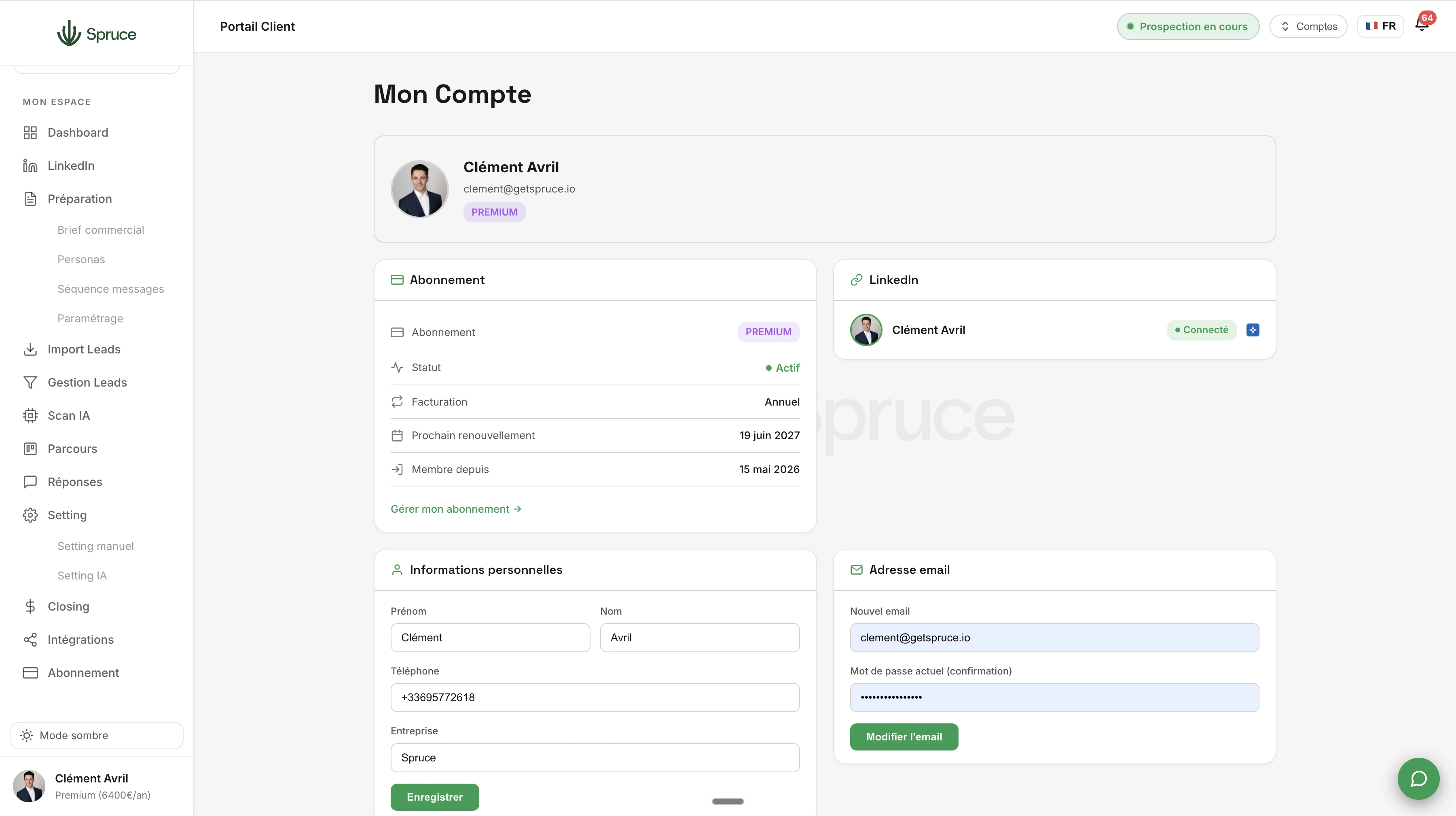
Spruce Account Settings
Edit your personal information, change your password, manage your logouts, and switch between linked accounts. All your account settings in one place.
Spruce Account Settings brings together all the settings related to your profile and security, without having to search through several different menus.
You can edit your personal information, change your password, and manage your active sessions from a single place.
If you manage several Spruce accounts (via Multi-account), you can switch between them without having to log back in each time.
For teams, this section also lets you manage users and their roles, with granular permissions based on what each member should be able to see or edit.
Finally, you can customize your notification preferences and the interface's appearance, for a Spruce experience that fits how you work.
Go to Spruce Account Settings, security section, to update your password at any time.
Yes, you can view your active sessions and remotely log out a device if needed.
Only users with admin rights can manage roles and permissions for other members.
Yes, you choose which events trigger a notification and through which channel you want to receive them.
Question template
Réponse template.
Rejoignez 150+ clients qui prospectent intelligemment avec Spruce.
Plan Essentiel offert pendant 14 jours résiliable à tout moment